
Upload a photo, get a tattoo design
Photo to Tattoo Generator
Upload a pet photo, a handwritten note or a photo of an old tattoo. DrawTat draws 4 tattoo designs from it and gives you a stencil for each. Packs from $4.99, one-time.
What's in the photo
Style
Sign in with Google, then choose a pack. Packs start at $4.99 for 40 designs.
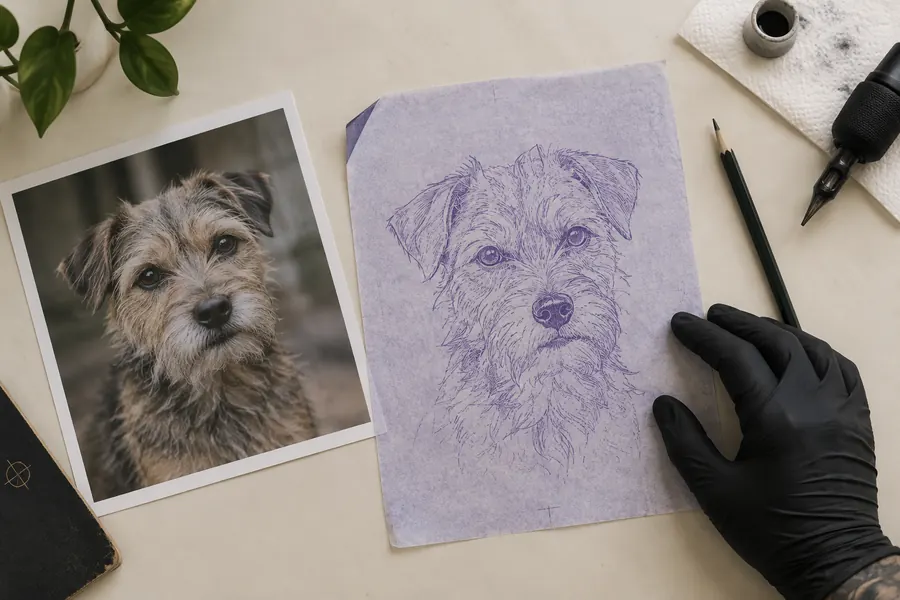
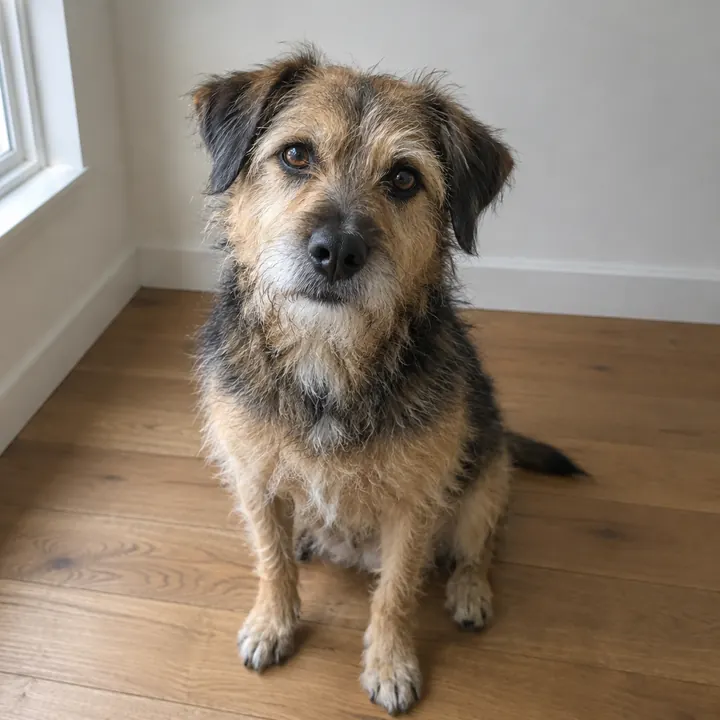
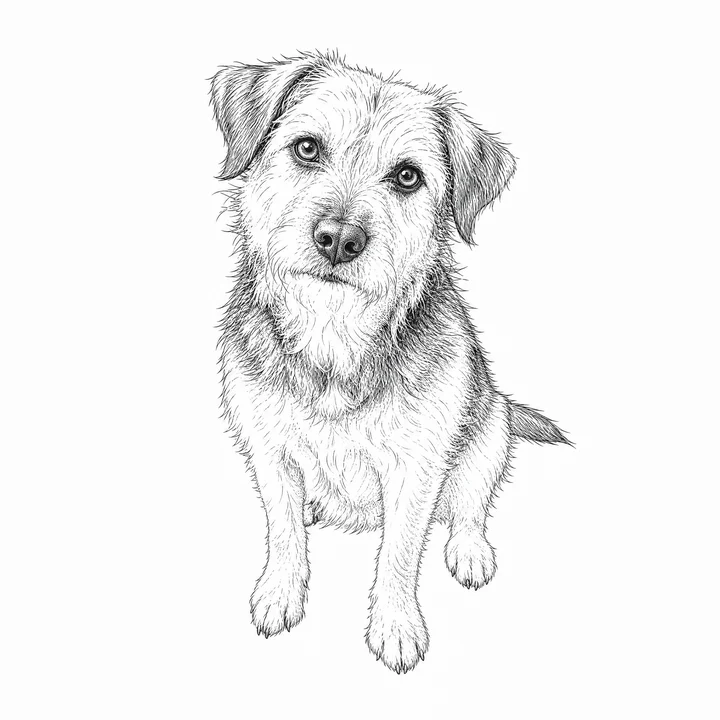
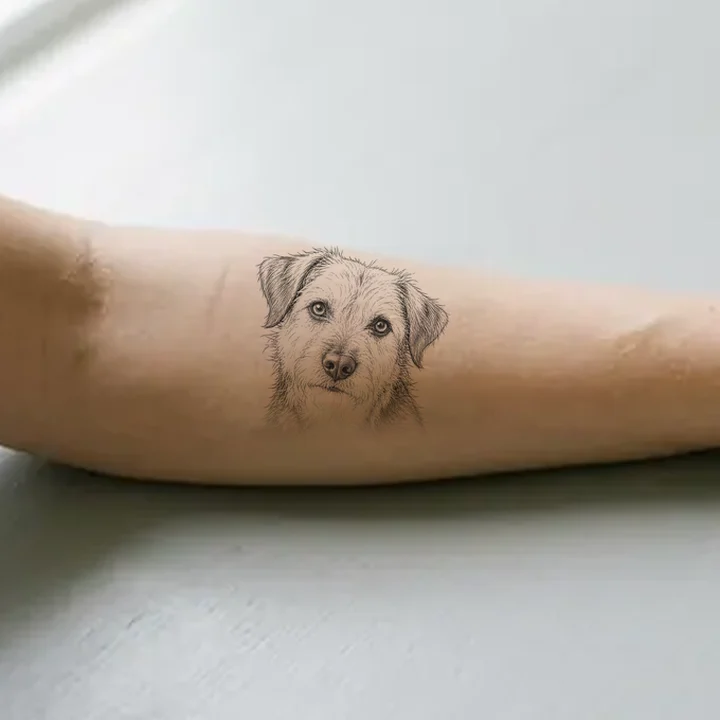
Example: a dog photo turned into a fine line design, then placed on a forearm. Example images are AI-made.
Upload a Photo, Get a Tattoo Design
Pick what the photo shows, choose a style and press Generate. In about a minute you get 4 HD designs to compare, each with a printable stencil.
What Photos Work Best
- One main subject, filling most of the frame.
- Sharp focus and even daylight, no harsh shadows.
- The original photo, not a screenshot or a group shot.
- JPG, PNG or WebP up to 6 MB.
Pet Portrait Tattoos from a Photo
Choose "Pet". The design keeps your pet's breed, markings, ear shape and expression, so it still looks like them as linework.
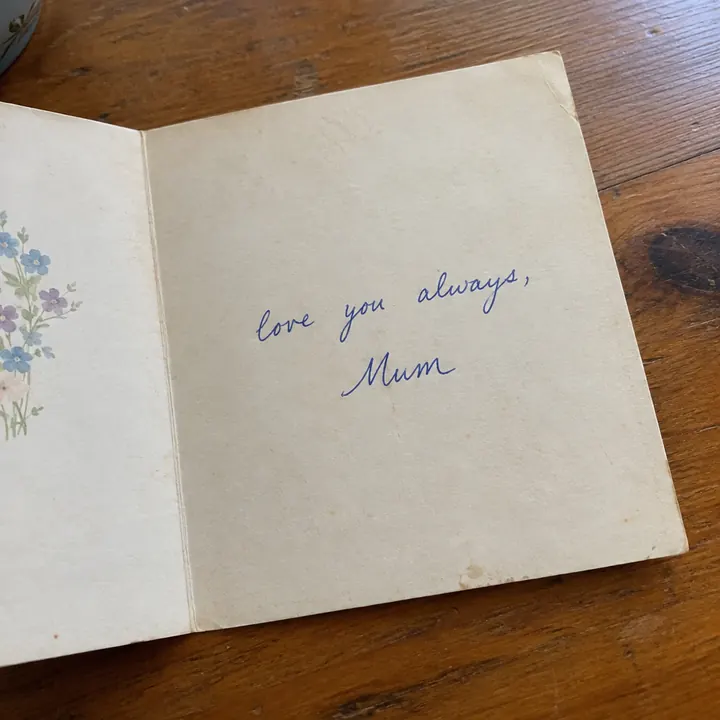
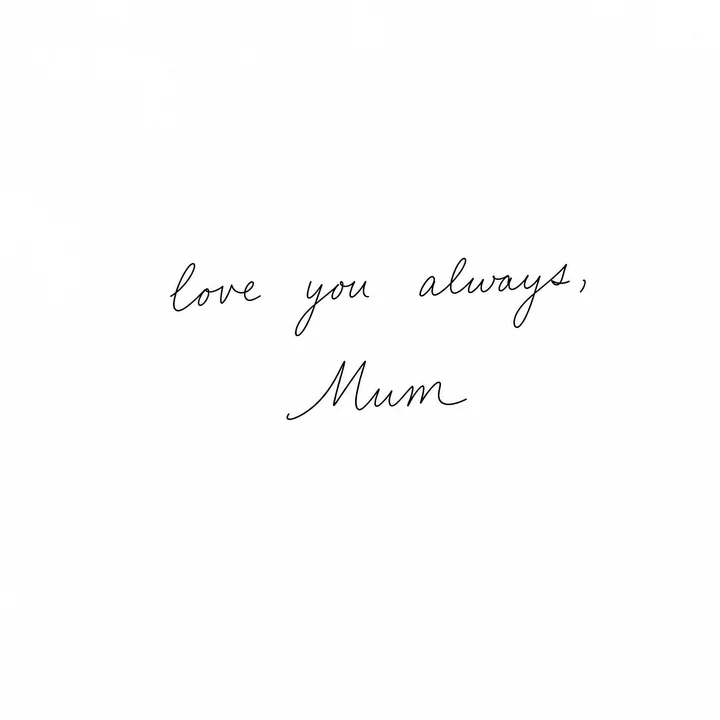
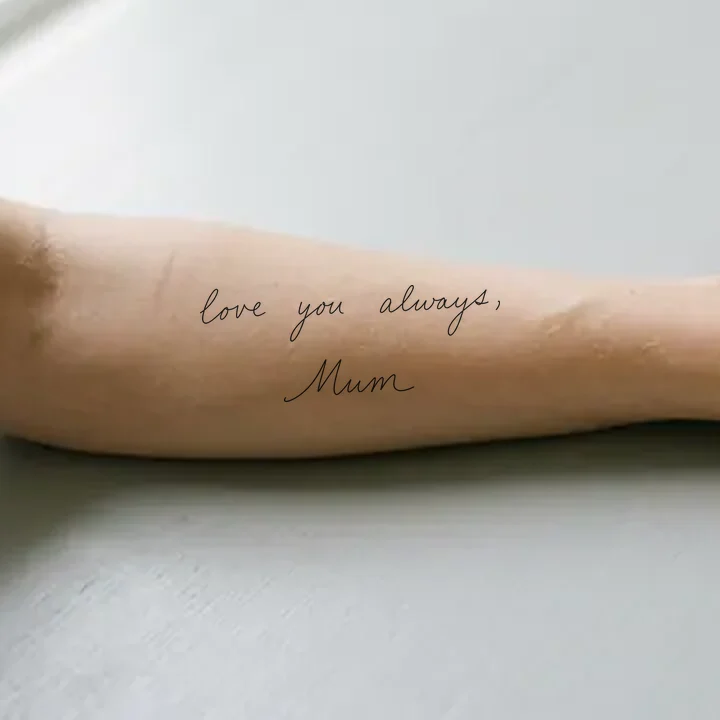
Handwriting Tattoos from a Note or Card
Photograph the note flat, in good light, and choose "Handwriting". The design copies the exact words and letter shapes instead of swapping in a font.
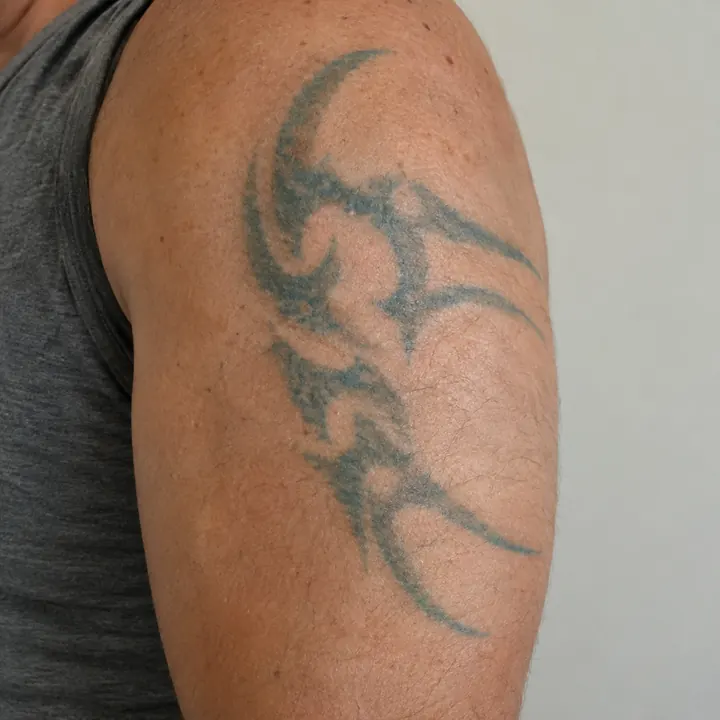
Cover-Up Ideas from a Photo of Your Old Tattoo
Choose "Cover-up" and upload a clear photo of the old tattoo. The new design puts dark, dense areas over the old ink. Take it to your artist: they decide what will cover well on your skin.
Pick a Style: Fine Line, Blackwork, Japanese or Realism
Fine line suits small, delicate pieces. Blackwork covers best. Japanese and realism need more space for their detail. You can regenerate the same photo in another style.
Photo Rules: Your Photos, With Permission
You must be 18 or older and have the right to use the photo. Photos of children are fine if you are their parent or guardian or have permission. Nude or sexual content is never allowed. Uploads are deleted after 24 hours; email hello@drawtat.com to delete sooner. See the Terms.
Examples
From Photo to Stencil to Skin
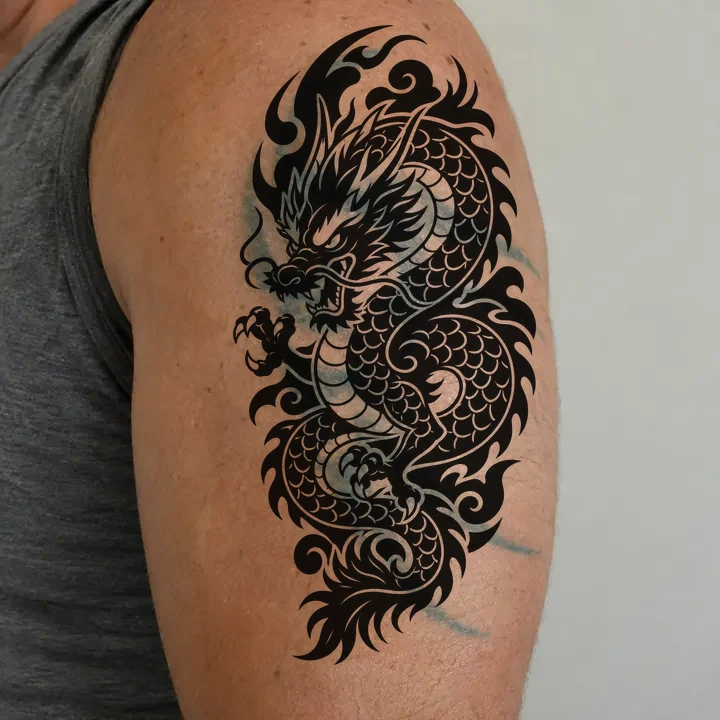
Each example shows the original photo, the stencil made from it, and the design placed on skin.
Pet portrait
Dog photo → fine line stencil → forearm
Handwriting
A card from mum → script stencil → forearm
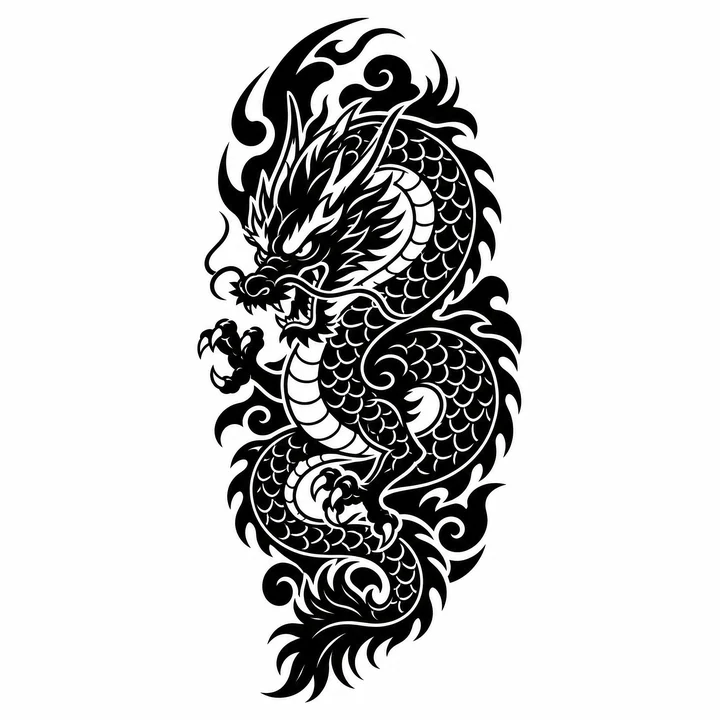
Cover-up
Faded old tattoo → blackwork dragon → same spot
Tattoo design generator
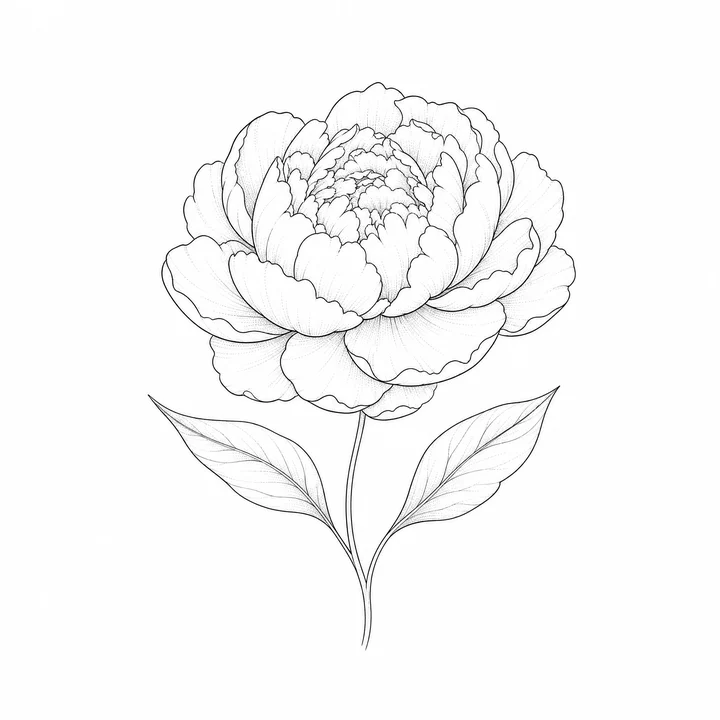
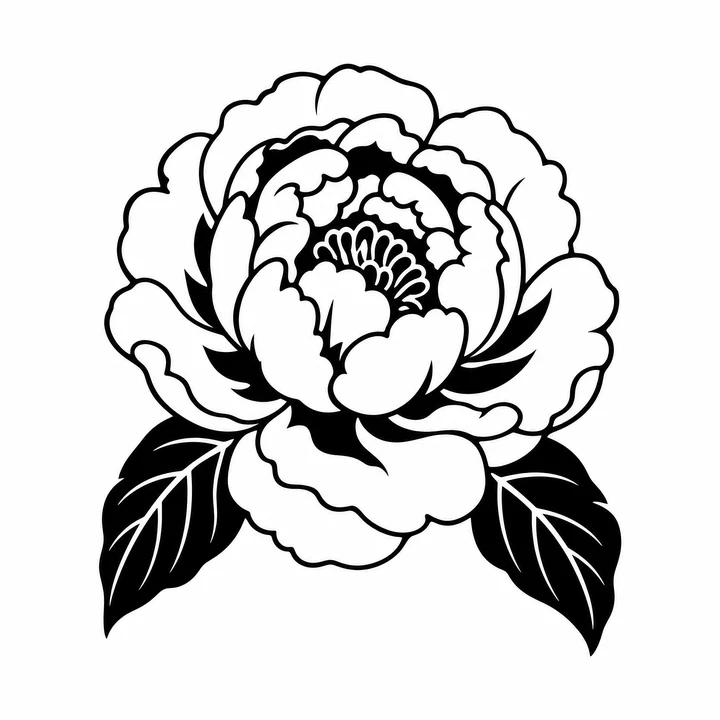
A Tattoo Design Generator for Every Style
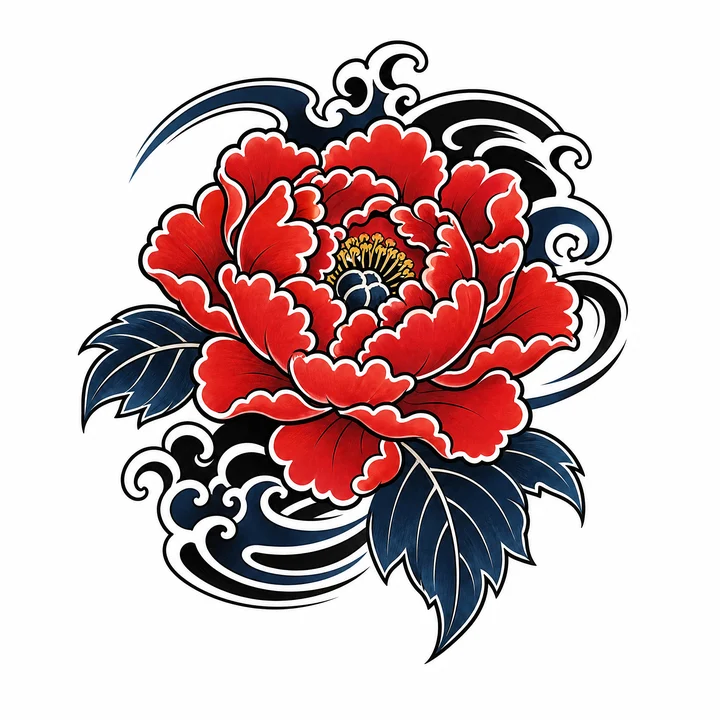
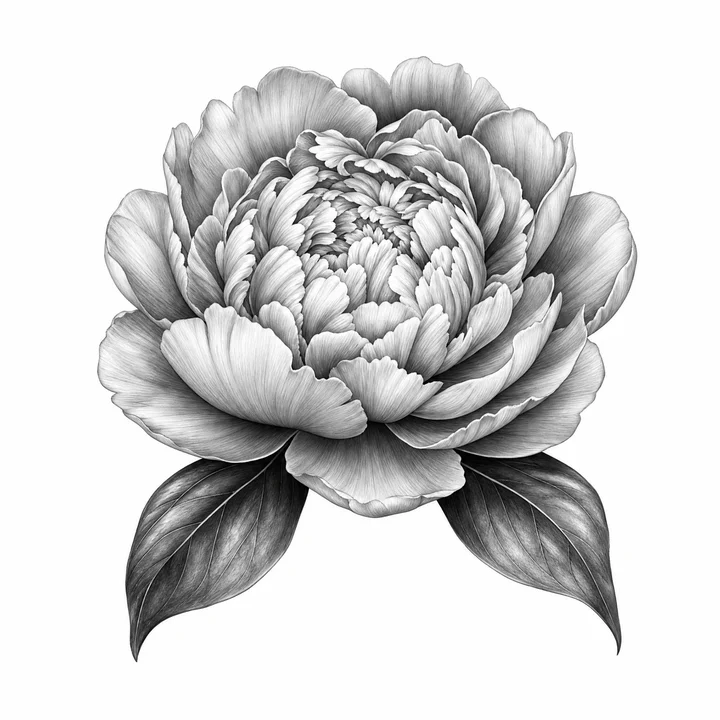
Pick a style before you generate. You can regenerate in another style from the same photo.
FAQ
FAQ
Can I turn a picture into a tattoo?
+
Yes. Upload the picture, pick a style and DrawTat draws 4 tattoo designs from it, each with a printable stencil when you use a pack.
Which photo formats can I upload?
+
JPG, PNG or WebP, up to 6 MB. A sharp photo with one main subject and even light works best.
Can I use a photo of my pet?
+
Yes. Pets are the most common photo tattoo. Pick "Pet" so the design keeps the breed, markings and expression.
Can I turn handwriting into a tattoo?
+
Yes. Photograph the note or card flat in good light and pick "Handwriting". The design copies the exact words and letter shapes.
Can it design a cover-up for my old tattoo?
+
Yes. Upload a clear photo of the old tattoo and pick "Cover-up". The new design puts dark, dense areas over the old ink. Show it to your artist; they decide what will cover well on your skin.
Can I upload photos of my kids?
+
Yes, if you're their parent or guardian or have permission. Tick the confirmation box before you generate. Nude or sexual content is never allowed.
What happens to my child's photo?
+
It is used only to make your design, then deleted after 24 hours. No face recognition, no public gallery, never sold. Email hello@drawtat.com and we delete it within 24 hours.
Do you keep my photos?
+
Uploaded photos are deleted after 24 hours and generated designs after 30 days. Email hello@drawtat.com to delete them sooner.